
-
×
 Scuba Diving Multi-Purpose Hanger
1 × $25.00
Scuba Diving Multi-Purpose Hanger
1 × $25.00 -
×
 Cressi Astra 1200 Dive Torch
1 × $229.00
Cressi Astra 1200 Dive Torch
1 × $229.00 -
×
Cressi Bluetooth Interface Michelangelo, Donatello, Leonardo2.0, Giotto 2.0
1 × $150.00
-
×
Apeks LUNA X Umbilical Torch 3300 Lumens
1 × $2,499.00
-
×
Oceanic VEO 4.0 Navcon Dive Computer
1 × $850.00
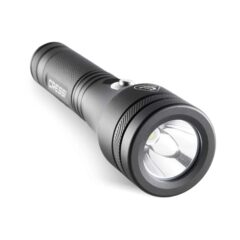 Cressi Astra 1200 Dive Torch
 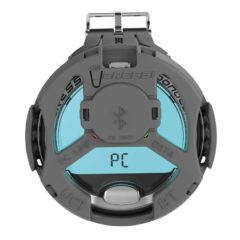 Cressi Bluetooth Interface Michelangelo, Donatello, Leonardo2.0, Giotto 2.0
 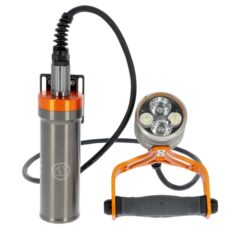 Apeks LUNA X Umbilical Torch 3300 Lumens





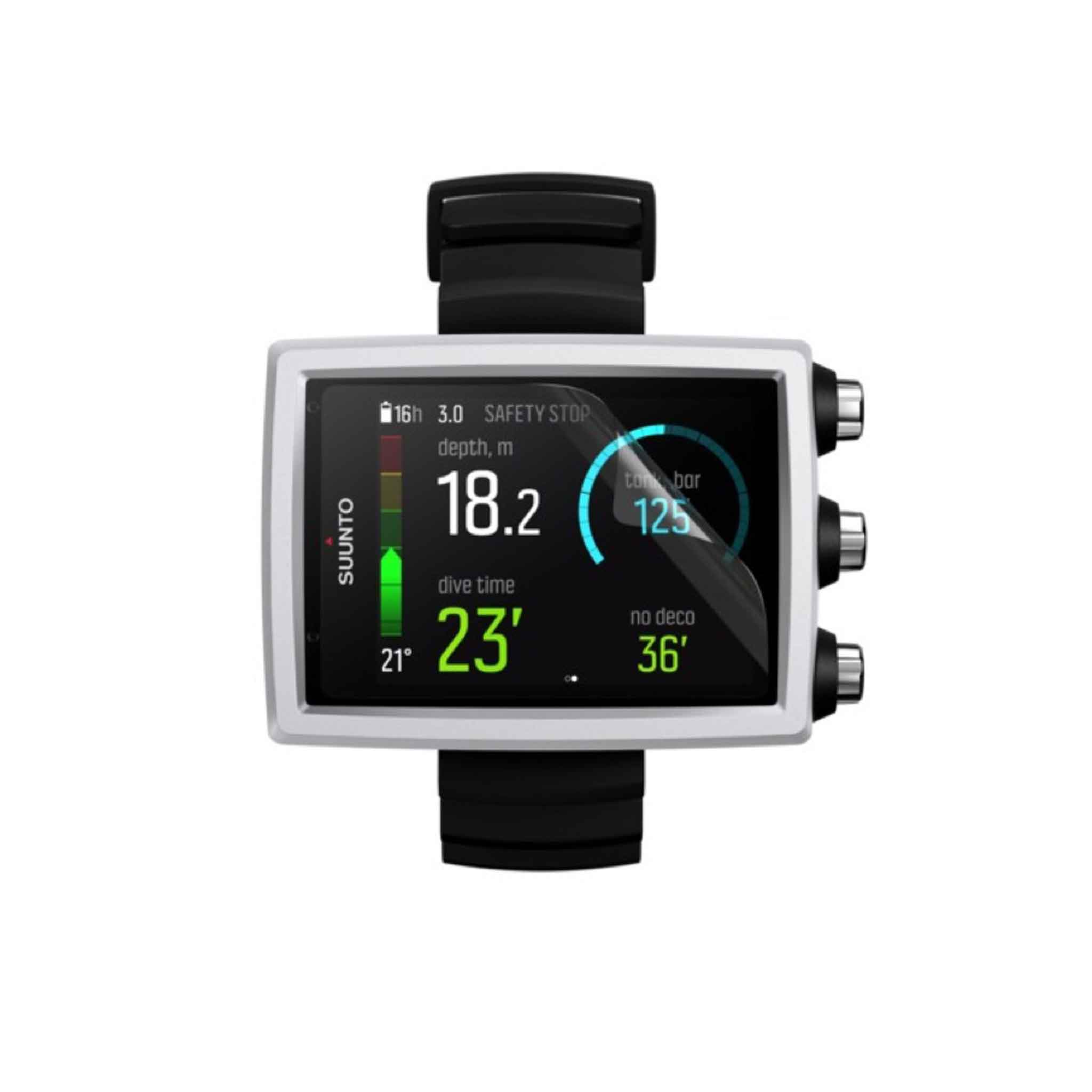




Suunto Eon Core Scratch Guard (1 PC)
Here at Dive Gear Australia, we offer exceptional customer service as well as fast delivery & shipping to everyone with no exceptions.
With a large distribution centre in Melbourne, we ship daily to Sydney, NSW, Brisbane, Melbourne, Cairns, Queensland, Adelaide, South Australia, Perth, Western Australia, Darwin, Canberra, ACT, Northern Territory, and Hobart, Tasmania, etc.
How Products are Shipped
Orders are sent via Australia Express Post, Couriers Please, Star Track and Australia Post. PO Box and Parcel Locker addresses are shipped via Australia Post; however, We cannot ship large items to these addresses, so you will need to provide a residential or business address. All smaller items and as many as possible are sent via Australia Express Post for a speedy delivery.Large Item Shipping Costs
Due to the increased freight costs, some large items incur an extra shipping fee in addition to the Flat rate shipping cost.
Large Dive Bags: $30 Long Freediving Fins: $15 Long Spearguns: $ 20 Lead Weight over 5kg: We will contact you for extra shipping costs.Shipping Time Frame
All orders are usually shipped the same day if ordered before 12 pm or 1-3 days after the initial purchase. At DGA, We only use reputable couriers that offer excellent service and fast delivery. Rural locations will take longer to arrive (non metro).Shipping Rural and Remote, Offshore islands and Territories of Australia
In rural and remote parts of Australia, shipping will depend on the availability of our shipping companies that can transport your goods to you. We always choose the fastest way possible. Please note our flat rate of $20 is based on delivery to Metro mainland Australia. Some Rural parts of Australia, Offshore islands, North Queensland, Western Australia and Territories of Australia may incur additional postage costs due to the remote location, which means our DGA Customer Service team will contact you or the extra shipping costs to get your products to you.Hassle-Free Easy 30-Day Returns Policy
We understand that the product that you have purchased may not suit or fit you. For us to best assist you in preparing for a return or exchange, please read the following information carefully before returning a product. DGA Dive Gear Australia offers you a 30-day exchange policy on most products within Australia for all goods that are unused and in a saleable condition. This means: Eligibility Conditions- The product and packaging are undamaged, unworn, unmarked and where applicable with tags still attached.
- Must include all packing material, manuals, blank warranty cards, and accessories.
- If you believe your product is faulty, please refer to the faulty items section below.
- Dive Gear Australia is not responsible for misuse of products or poor treatment of goods including proper care and servicing or equipment on time.
- Claims for missing items or items damaged in transit must be received within 7 business days of receipt of merchandise.
Returns and Exchanges
For all returns and exchanges, please contact us at sales@divegearaustralia.com.au outlining what product you would like to return, the reason and your order number. We will do our very best to look after you from there as soon as possible.Return and Exchange Shipping
Unless an item is defective, If you need to exchange or return an incorrect product, please send the item back with a copy of your invoice and any instructions or information we might need. Our customer service team will contact you as soon as we receive the goods for any charges and the cost of the return freight. Return Address: Dive Gear Australia Phone Number 0397023694FY 4 / 56-60 Hallam South Rd, Hallam, 3803, Victoria
Please Note: Processing your return may take from 1 to 7 working days from the arrival of your package back to Dive Gear Australia.
Clearance and Non-returnable Items
Special order merchandise or any item indicated on the website as non-returnable is as such. Clearance items are not refundable and may not be returned unless there is a clear warranty issue or fault with the product. We will exchange as long as stock is available of the same item.Refund and Credits
Please allow up to 14 days for a credit to appear on your account from the received date. We will issue your refund in the same way you made the original purchase, minus the original cost of shipping.
Click & Collect – LOCAL PICK-UP
Shop online and then collect your order in-store with our Click & Collect service. (Melbourne and Victoria customers only).
This means you can order your favourite product online and pick it up from our store, limiting the need for physical contact with our team.
Once your order’s processed, you’ll receive a confirmation email letting you know that your order is ready for collection.
Bring your confirmation email and ID to the front of the store.
Where do I collect my order from?
Dive Gear Australia
FY 4 / 56-60 Hallam South Rd,
Hallam, 3803, Victoria
What if I need to add or Change items that I ordered?
When picking up your order, we’ll happily assist you with any changes.
Related products
9%
Original price was: $1,099.00.$999.00Current price is: $999.00. inc. GST
10%
Original price was: $2,000.00.$1,799.00Current price is: $1,799.00. inc. GST
7%
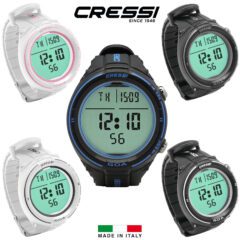
Original price was: $569.00.$529.00Current price is: $529.00. inc. GST
This product has multiple variants. The options may be chosen on the product page
8%
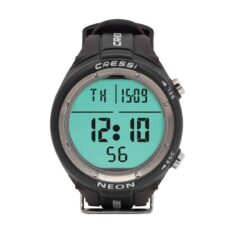
Original price was: $589.00.$539.00Current price is: $539.00. inc. GST
6%
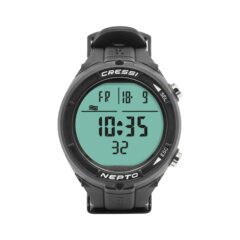
Original price was: $529.00.$499.00Current price is: $499.00. inc. GST
 Gift Ideas