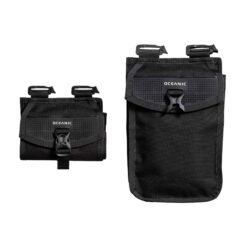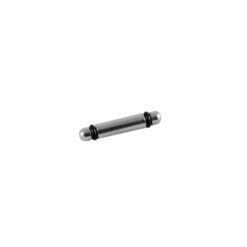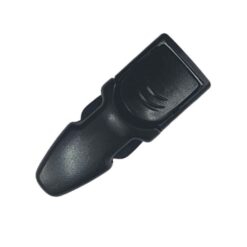

Oceanic QLR 4 Weight Release Pocket Pair
Identify the equipment version
Check the BCD or other equipment model, release system and original part number.

Find Oceanic spare parts and accessories for compatible diving equipment.
Check the BCD or other equipment model, release system and original part number.

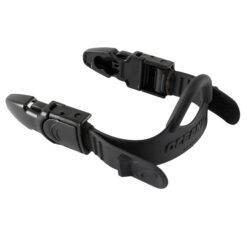
Compare the fin connection and whether the listing is one assembly or a pair.
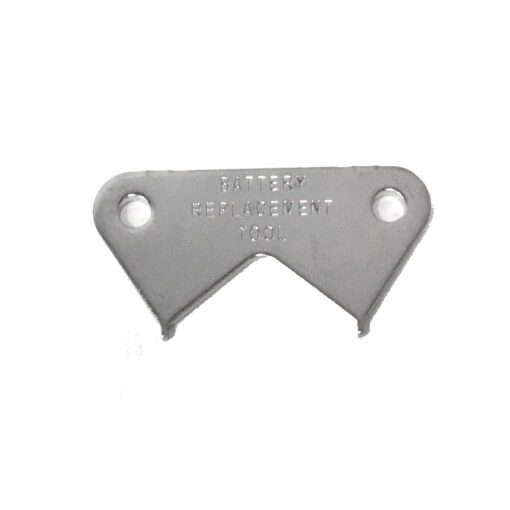
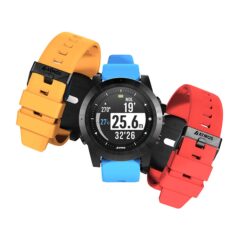
Choose the tool for the listed computer model and follow its battery-service instructions.
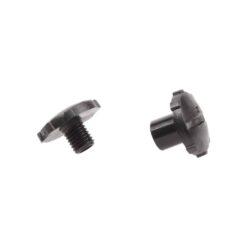
Identify the equipment model and generation before comparing replacement parts. Check fittings, dimensions and any included hardware. If an older model has several similar-looking variants, a product label or original part number can help our team identify the correct replacement.
Explore the wider Parts and Accessories collection to compare related equipment and accessories.
For BCD weight pockets, identify the exact release system and compare the latch with the original. The QLR 4 pocket listing is supplied as a pair; check other pocket and attachment listings for their own quantities and compatibility.
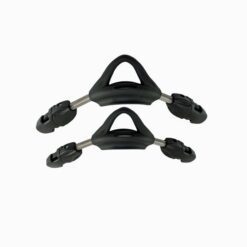
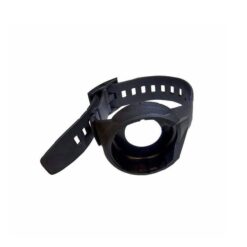
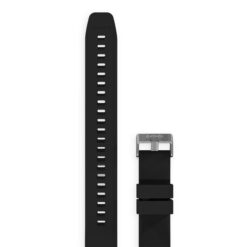
Compare the replacement strap and buckle connections with your own fins. The complete Oceanic Viper strap listing is sold individually, so check whether you need one assembly or replacements for both fins. Read strap-only and complete-assembly listings carefully to confirm which buckles and fittings are supplied.
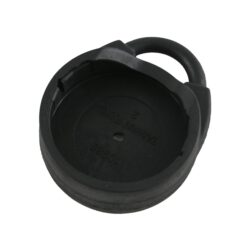
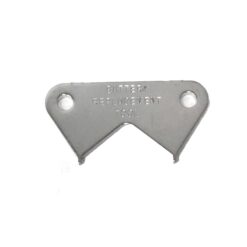
Match a battery hatch tool to the computer model and hatch shape. A tool is separate from a battery, replacement seal or complete service kit unless the listing says otherwise. Follow the computer manufacturer’s battery-service instructions and ask our team if you are uncertain about the model or replacement part.