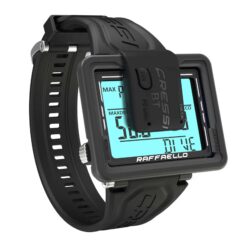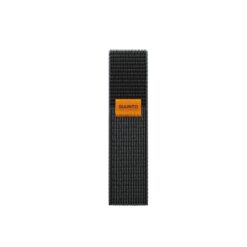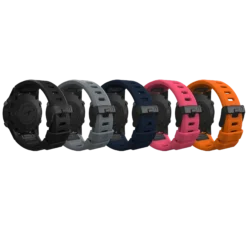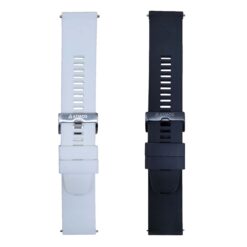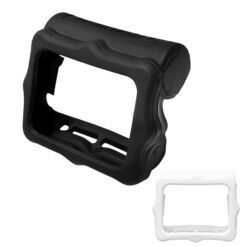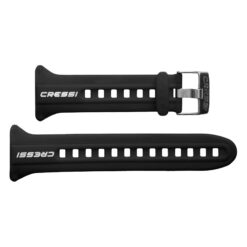

Shearwater Peregrine Colour Strap Kit
Match your strap to your computer
Check the model, attachment points and fit over your exposure suit.

Find dive computer accessories, including compatible straps, chargers and protective items.
Check the model, attachment points and fit over your exposure suit.

Find the cable or charger listed for your exact dive computer.

Choose a screen protector made for the shape of your model.
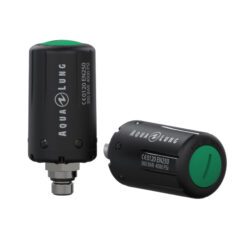
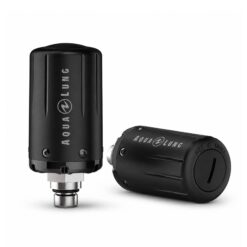
Match the accessory to your precise computer model, including the generation where relevant. Chargers and transmitters can use different systems even within one brand. Check whether an item is a replacement, optional upgrade or complete kit before adding it to your setup.
Explore Dive Computers to compare compatible equipment, or browse the full diving accessories directory.
For a replacement strap, match the attachment points to your computer and check the adjustment available around your wrist and exposure suit. Follow the maker's fitting instructions and check that the mounting hardware is secured before use.
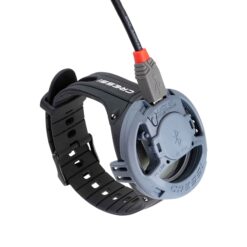
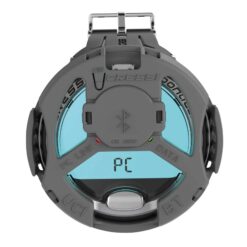
Check the exact computer model and part number before choosing a charging cable, dock or download interface. Confirm the connection, power-source requirements and supplied items on the product listing and in your computer's manual.
Keep charging contacts, cables and the power source dry, and follow the manufacturer's charging instructions. If you are replacing a lost accessory, confirm the matching part before ordering a spare for your travel kit.
Choose a screen protector listed for your exact display, then follow its fitting instructions. Check the product listing for the supplied protective films, covers or fitting items before ordering.