
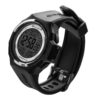
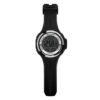
Salvimar Freedive Watch – Computer
Original price was: $379.95.$329.00Current price is: $329.00. inc. GST
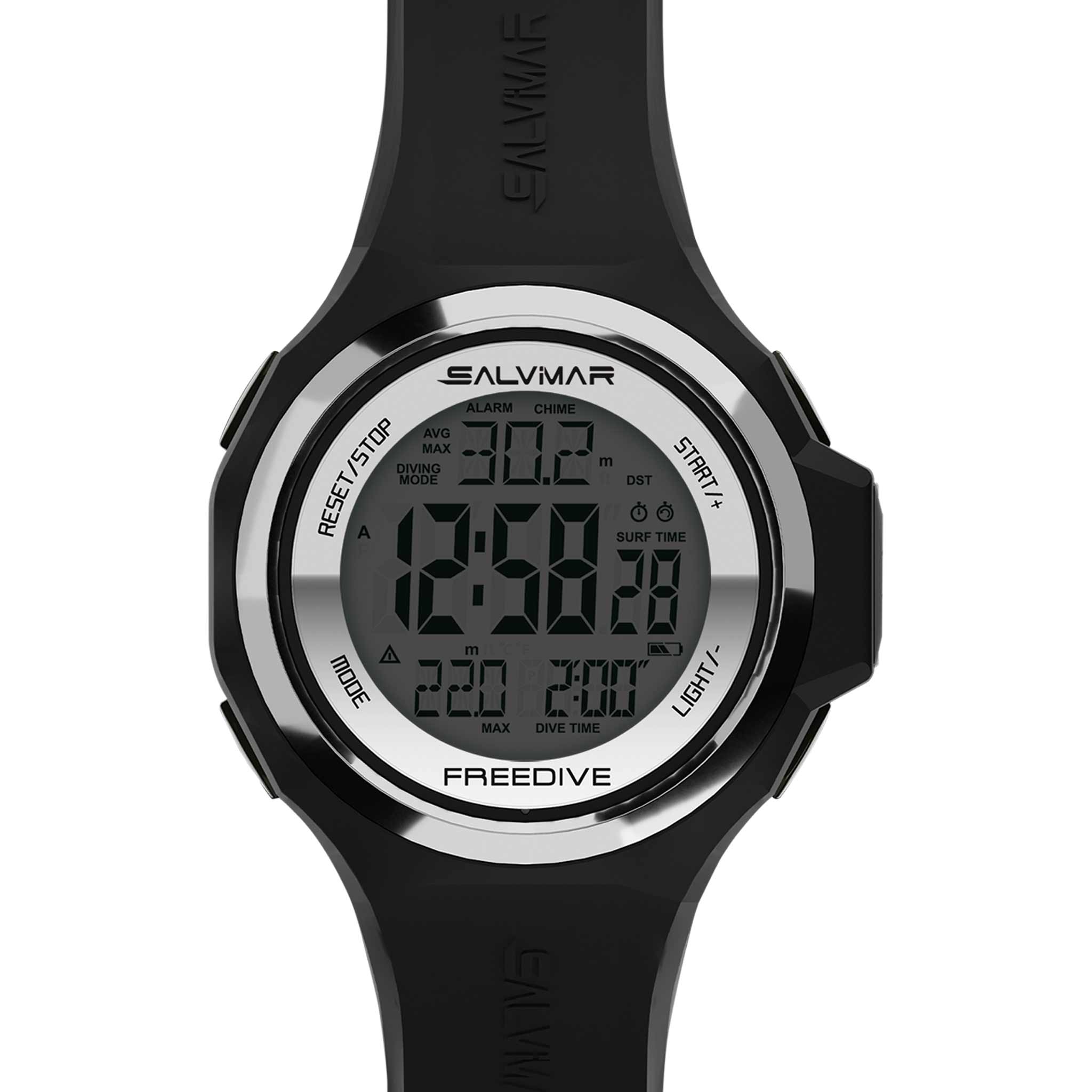
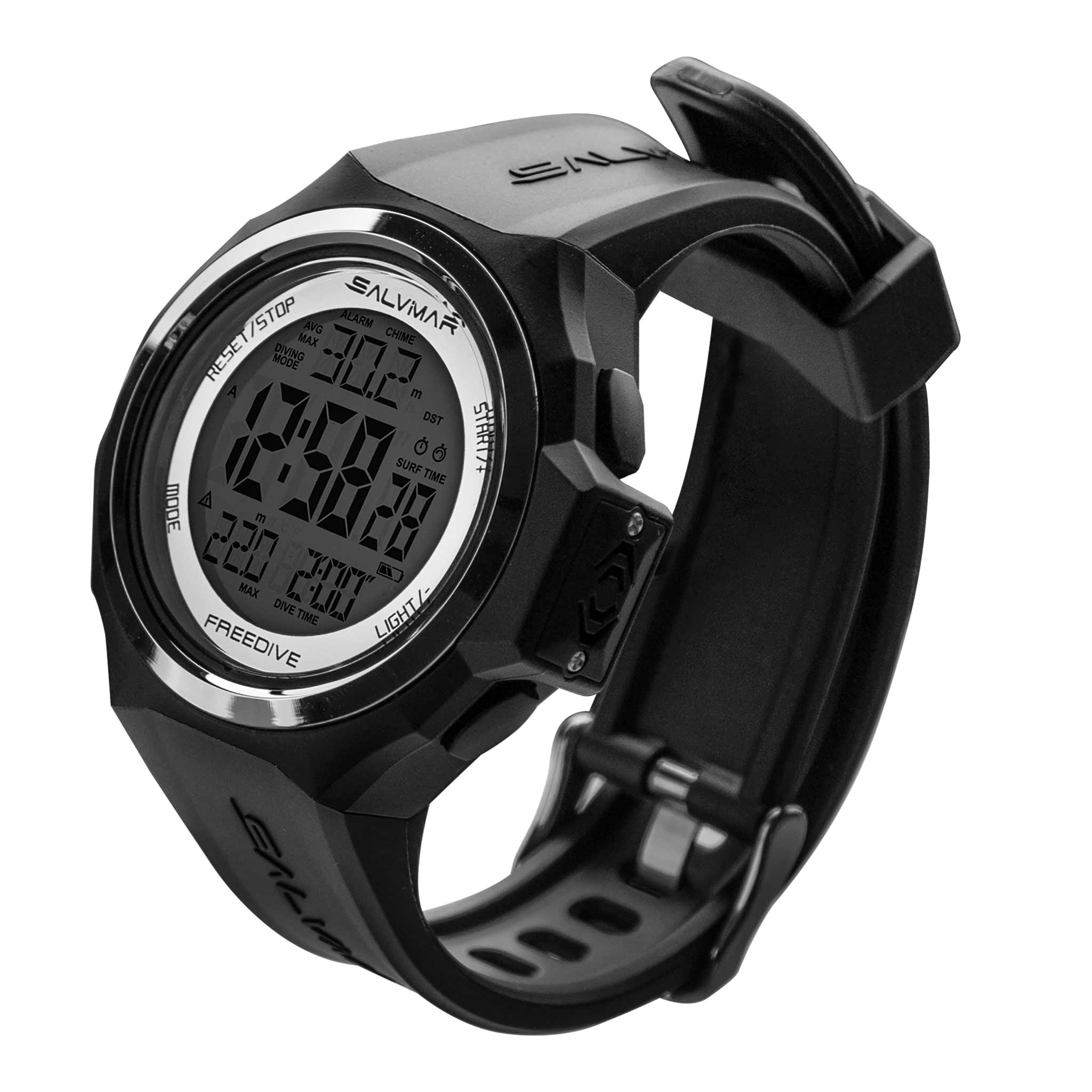
The Salvimar Freedive Watch displays depth, dive time, surface time and water temperature for breath-hold diving. Adjustable depth and time alarms, stored dive data and a longer strap support day-to-day use. It is a freediving instrument; choose a separate suitable computer for scuba decompression information.
Clearance item — please choose carefully.
This item is excluded from change-of-mind refunds and exchanges. Check size and suitability before ordering.
Read our returns policy. Need sizing help? Call 03 9702 3694.
SKU: 8020
2 in stock
- Description
- Technical Specs
- Product Manual
- Shipping
- Returns & Exchanges
- Click & Collect
- Frequently Asked Questions
- Reviews (0)
Salvimar Freedive watch-computer
The Salvimar Freedive Watch displays depth, dive time, surface time and water temperature for breath-hold diving. Adjustable alarms let you set depth and time reminders, while stored dive information provides a record of sessions.
- Freediving depth and time display.
- Surface-interval information.
- Water-temperature reading.
- Adjustable depth and dive-time alarms.
- Dive-data memory.
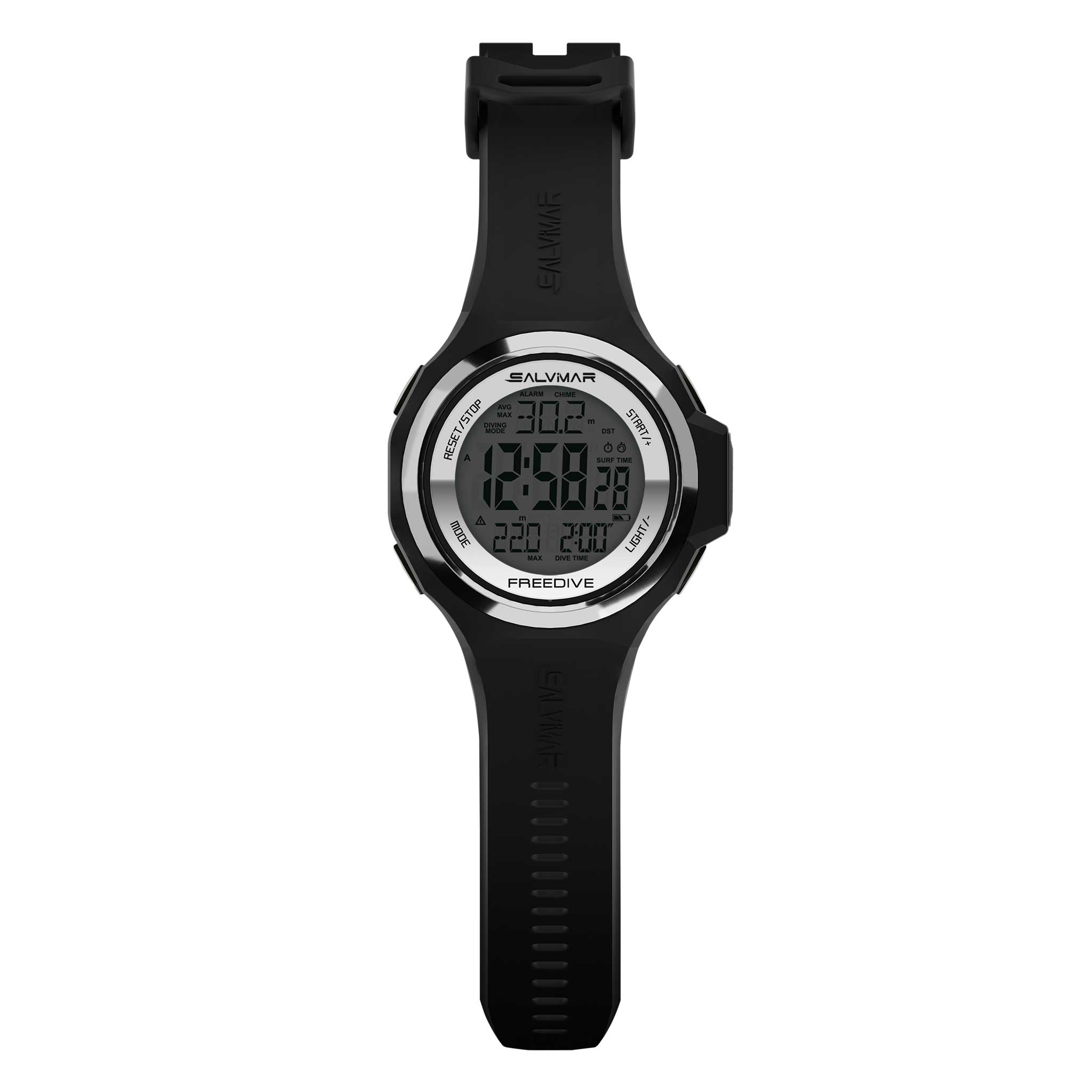
- Extended strap for fit adjustment.
- Salvimar model 8020.
Follow the watch’s manual for settings, limits and battery care. This is a freediving instrument and does not provide scuba decompression calculations.
More About This Model
The new depth sensor is fast and accurate, with updates every 0.5ms. It is designed with a larger strap for added adaptability and security. Increased battery life and functionality is achieved by all other functions being automatically stopped when you are in dive. Make the most of every breath-hold dive with the Salvimar Freedive Watch!
How the Features Help
- Freediving records: The applicable freediving mode records breath-hold dive and surface information separately from scuba operation. Configure prompts for your training plan and follow the manual’s restrictions on changing between modes.
- Water temperature
Choosing and Setting Up This Model
Compare the modes, gas capability, display and mounting arrangement with the diving you are trained to do. Check exactly what this listing includes, particularly transmitters, interfaces and charging accessories. Configure the computer using its own manual and confirm gases, alerts, units and battery status before diving. A depth rating describes an instrument limit and does not establish a suitable dive depth.
Gear Care and Maintenance
After every dive, rinse gently in fresh water to remove salt, chlorine and grit. Let residue soften by soaking only as the model’s manual permits, and operate buttons during rinsing only where instructed. Do not direct a high-pressure hose or compressed air at sensor openings, and never probe them with a tool.
Use a soft cloth on the housing and screen. Use only the cleaning product and method approved in this model’s manual; avoid solvents, abrasives, bleach and strong detergents. Let the instrument and strap air dry fully in the shade before packing or charging.
Inspect the strap, attachment points, display and seals before use. Store in a cool, dry place away from direct sunlight, heaters and hot cars, with the screen protected from loose equipment. Follow the manufacturer’s battery-storage and servicing instructions.
Technical Specs
| Brand | Salvimar |
|---|---|
| Main model / configuration | Salvimar Freedive Watch - Computer |
| Product type | Dive computer |
| Dive modes | Freediving |
| Freediving mode | Yes |
| Computer style | Freediving watch |
| Colour family | Black |
| Alarms | Maximum depth and maximum dive time |
| Dive log capacity | Dive-data storage; five intermediate depths |
| Display technology | Freediving depth and time display. |
| Sampling rate | Not confirmed — the stated 0.5 ms update interval needs confirmation |
| Depth measurement range | Depth gauge to 100 m |
| Temperature display | Yes |
Additional specifications
| Depth gauge | 100 m |
|---|---|
| Alarm setting | one for max diving depth and one for max diving time |
Official manufacturer instructions for this product.
Salvimar Freedive User Manual
Read the manual before use. For firmware updates, follow the manufacturer support link. Our team can help during business hours.
In-stock orders placed before 12 noon Melbourne time on weekdays are usually dispatched the same day once payment is confirmed. This excludes public holidays, pre-orders, backorders, special orders and custom orders. Dispatch times can vary. Delivery time depends on the carrier and your location.
Standard mainland Australian shipping is $20. Click & Collect from our Hallam store is free once your order is ready.
- Large or bulky gear: additional freight charges apply on top of standard shipping: large dive bags $30; long freediving fins $15; long spearguns $20. Scuba tank freight is shown at checkout.
- Rural, remote & offshore: rural means anywhere outside metropolitan areas. Carrier availability and additional charges may apply, including for island and territory destinations. Our team will contact you if an extra freight quote is needed.
The available delivery rate for your order is shown at checkout.
Need your gear urgently? You are welcome to arrange your own same-day courier or Uber pickup from Hallam. Call 03 9702 3694 before booking so we can confirm payment, that your order is packed and ready, and a collection time. Tell us who will collect and give your driver the order number. You arrange and pay the courier directly; delivery timing depends on the provider.
Contact us within 30 days of delivery to request a refund, exchange or optional store credit on eligible unused goods within Australia. Refunds go to the original payment method. Keep goods clean and undamaged with tags, original packaging and all accessories. No restocking fee applies to eligible returns meeting these conditions.
For change-of-mind returns and size exchanges, you pay return postage and replacement shipping. Original delivery charges are not refunded. Water-tested goods, clearly marked clearance items and genuinely custom-made or personalised items are excluded from change-of-mind returns. Ordinary discounted goods remain eligible.
For product problems, please call 03 9702 3694 before returning an item so we can help and explain the next steps.
Still unsure which size to choose?
Call our experienced dive instructors on 03 9702 3694 before ordering. Have your measurements and preferred product ready so we can help you choose the most suitable size. Fit varies between brands and models.
FREE CLICK & COLLECT
Usually ready same day*
Select local pickup at checkout. We will email you when your order is ready. Please wait for your ready-to-collect confirmation before visiting, then bring your confirmation email and photo ID.
Need your gear urgently? You can arrange your own same-day courier or Uber pickup. Call 03 9702 3694 before booking so we can confirm payment, that your order is packed and ready, and a collection time. Tell us who will collect and give your driver the order number. You arrange and pay the courier directly; delivery timing depends on the provider.
Collect from our Hallam store
Factory 4 / 56–60 Hallam South Rd
Hallam VIC 3803
*For items in stock at our Hallam store during opening hours, subject to order processing. Available-to-order and special-order items take longer. Collection is unavailable while the store is closed.
Can I collect my order from the store?
Yes. Choose free local pickup at checkout and wait for your ready-to-collect email before visiting our Hallam store. Bring your confirmation and photo ID. See Click & Collect details.
How do I choose the right size?
Use the product's size chart where available and compare your measurements with the guide for that brand. Sizing varies between brands and products. Still unsure? Call our experienced dive instructors on 03 9702 3694 during business hours before ordering. Have your measurements and preferred product ready. For fins and boots, tell us which socks or dive boots you will wear.
How do I check availability?
Select your required options, such as colour and size, to see availability for that variation. “Available to order” means the item may need to be sourced before dispatch. Call 03 9702 3694 to check the current lead time before ordering, especially if you need your gear for a trip or a particular date.
When will my order be dispatched?
In-stock orders placed before 12 noon Melbourne time on weekdays are usually dispatched the same day once payment is confirmed. This excludes public holidays, pre-orders, backorders, special orders and custom orders. Dispatch times can vary. Delivery time is separate from dispatch time and depends on your location and the carrier. Read our shipping information.
Can I exchange an item if it does not fit?
Contact us within 30 days of delivery to request a refund to the original payment method, exchange or optional store credit on eligible unused goods. You pay change-of-mind return postage and replacement shipping; original delivery charges are not refunded. No restocking fee applies to eligible returns. Clearance and genuinely custom-made items are excluded from change-of-mind returns. Read the return conditions and next steps.
Can you help me choose the right gear?
Yes. Call 03 9702 3694 during store hours or email [email protected]. Tell us which product you are considering and how you plan to use it.
Only logged in customers who have purchased this product may leave a review.
Similar products
View all Dive Computer Watches

Reviews
There are no reviews yet.