 Cressi Gara Modular Blade Fixing Kit
  HQ Diving Stage Bottle Rigging Kit Large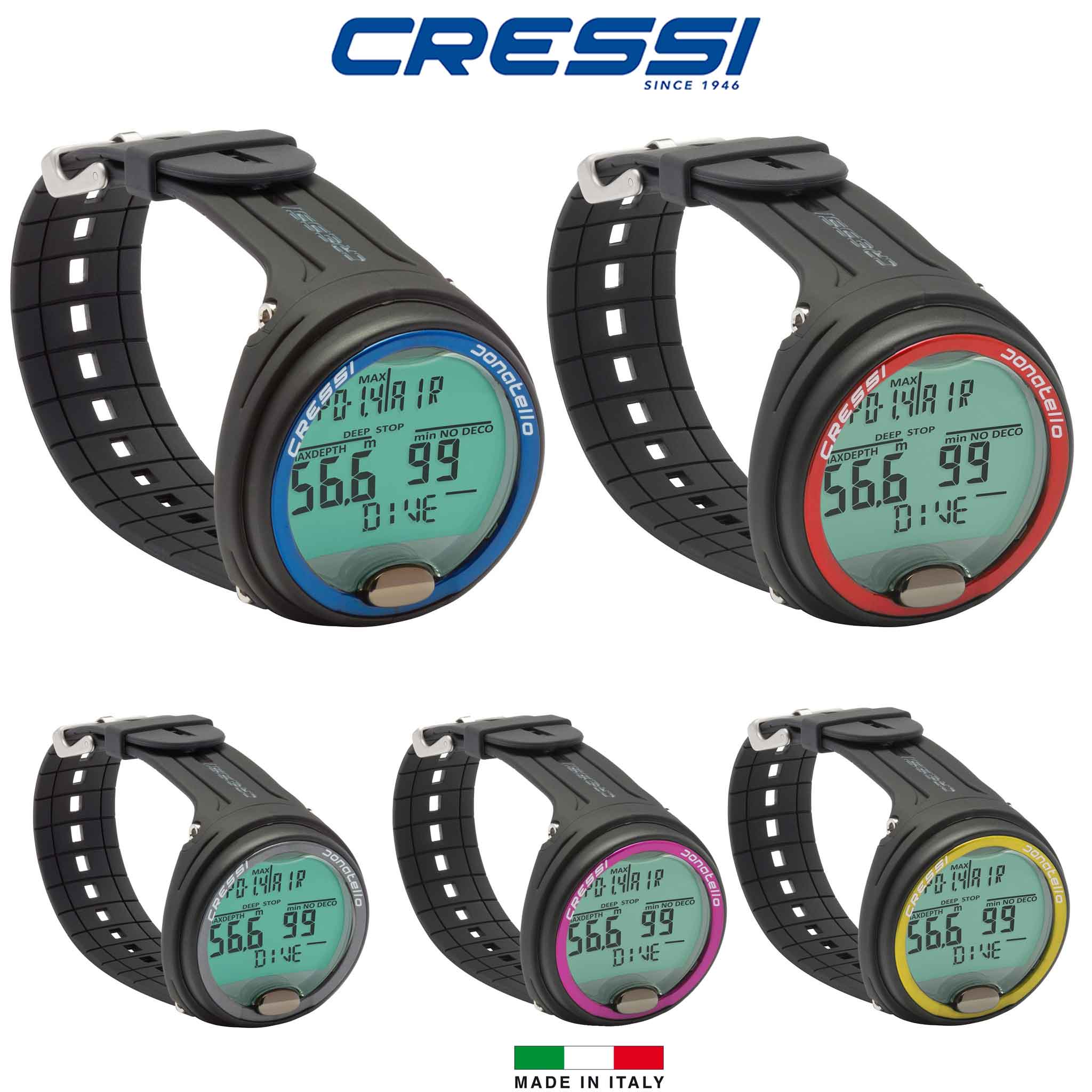


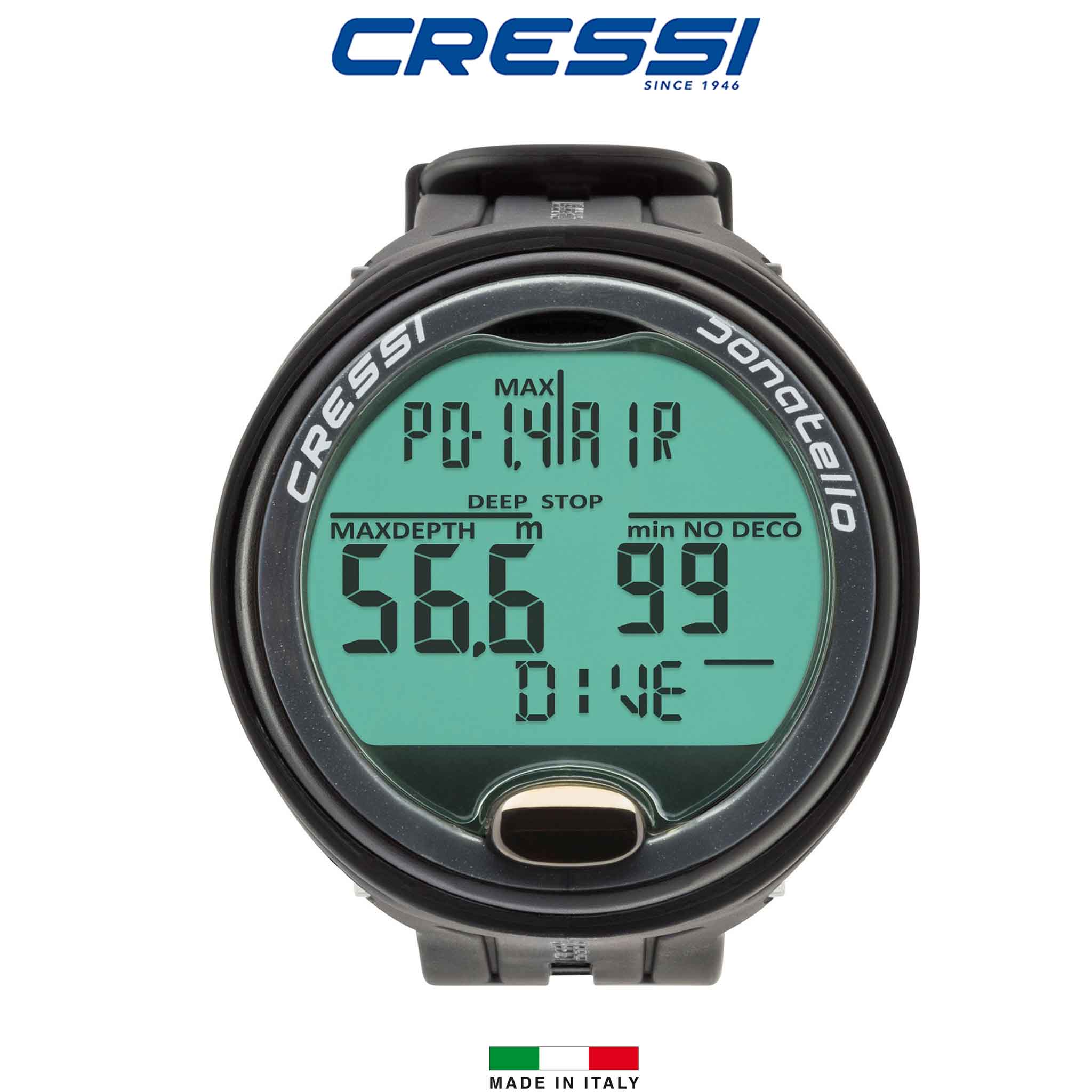
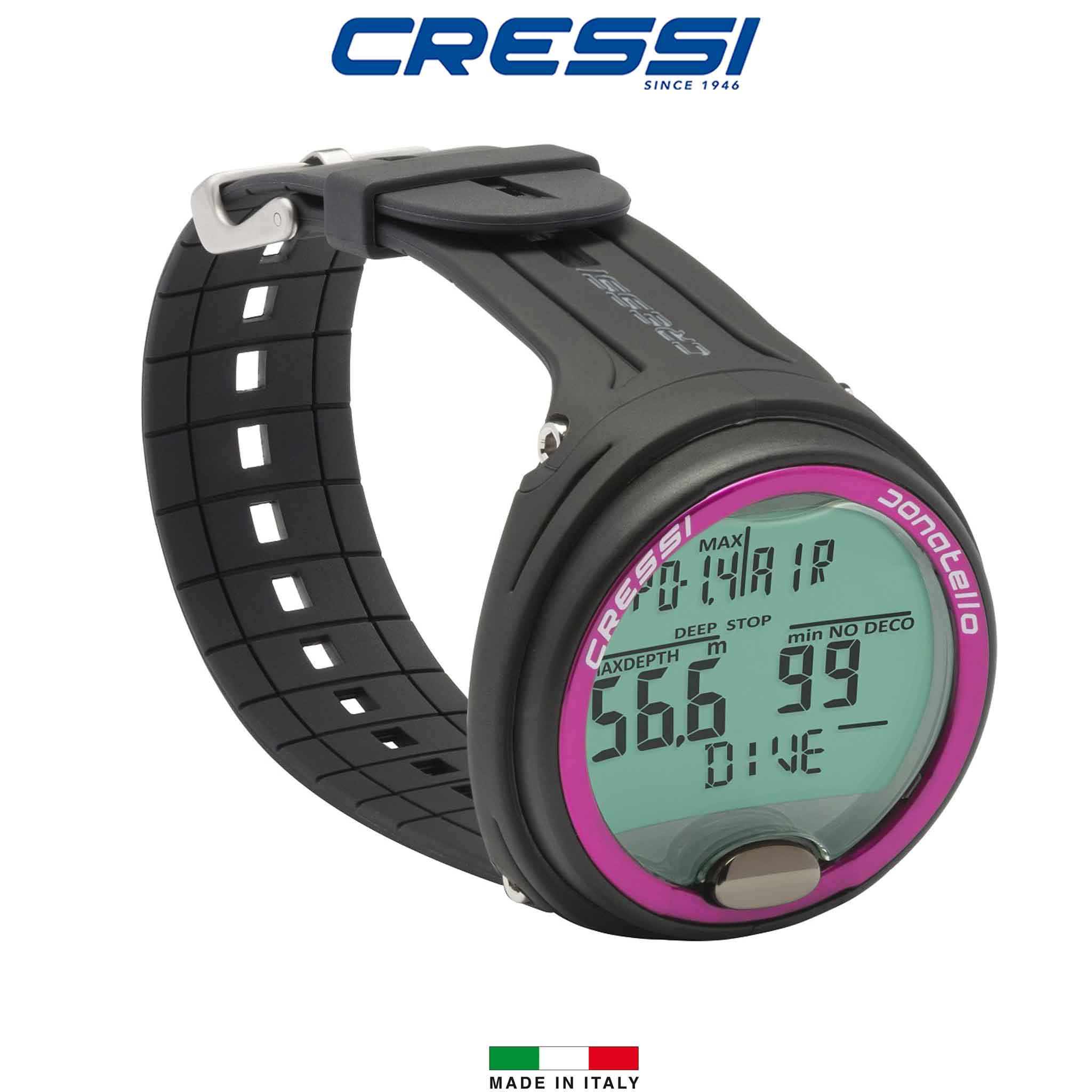
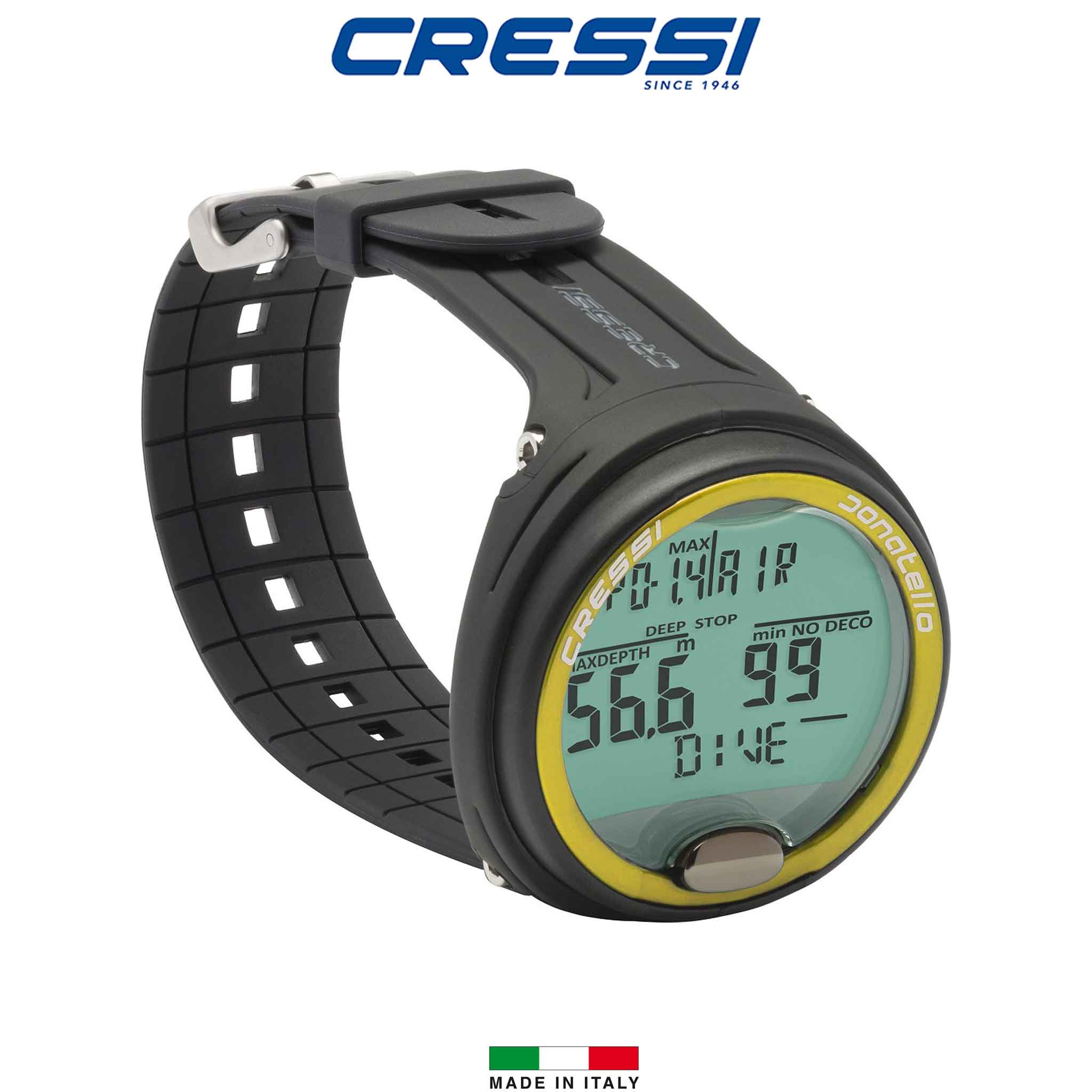
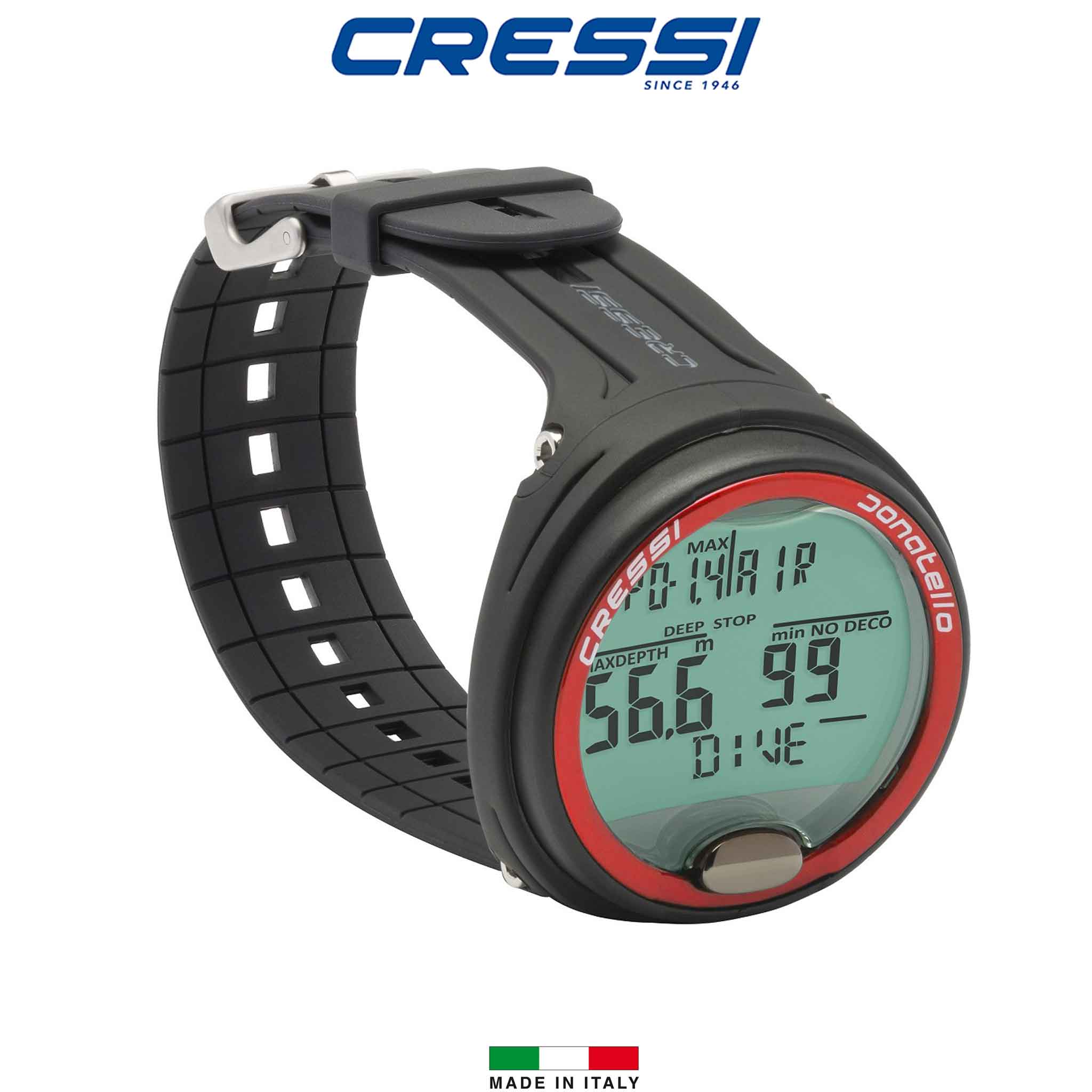
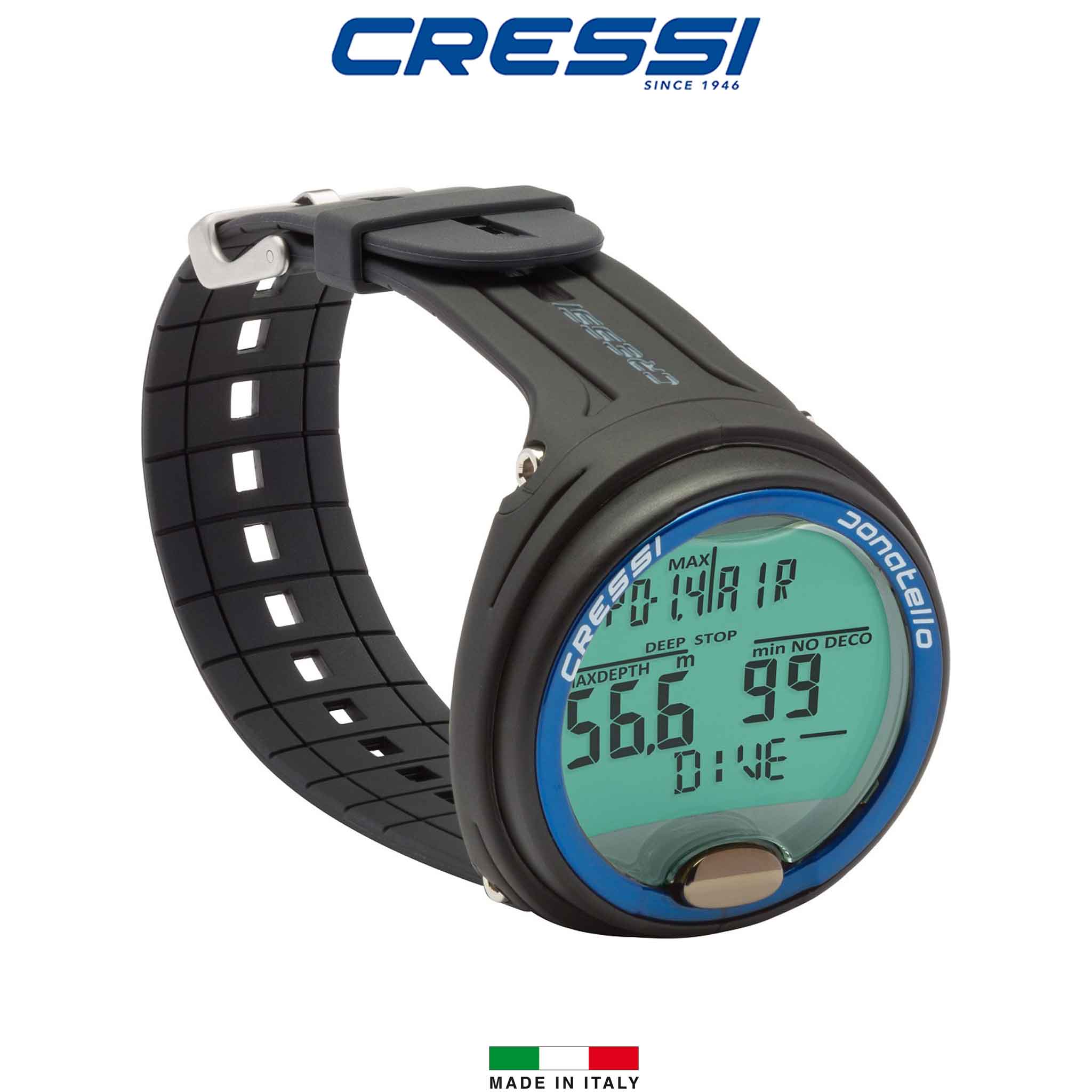

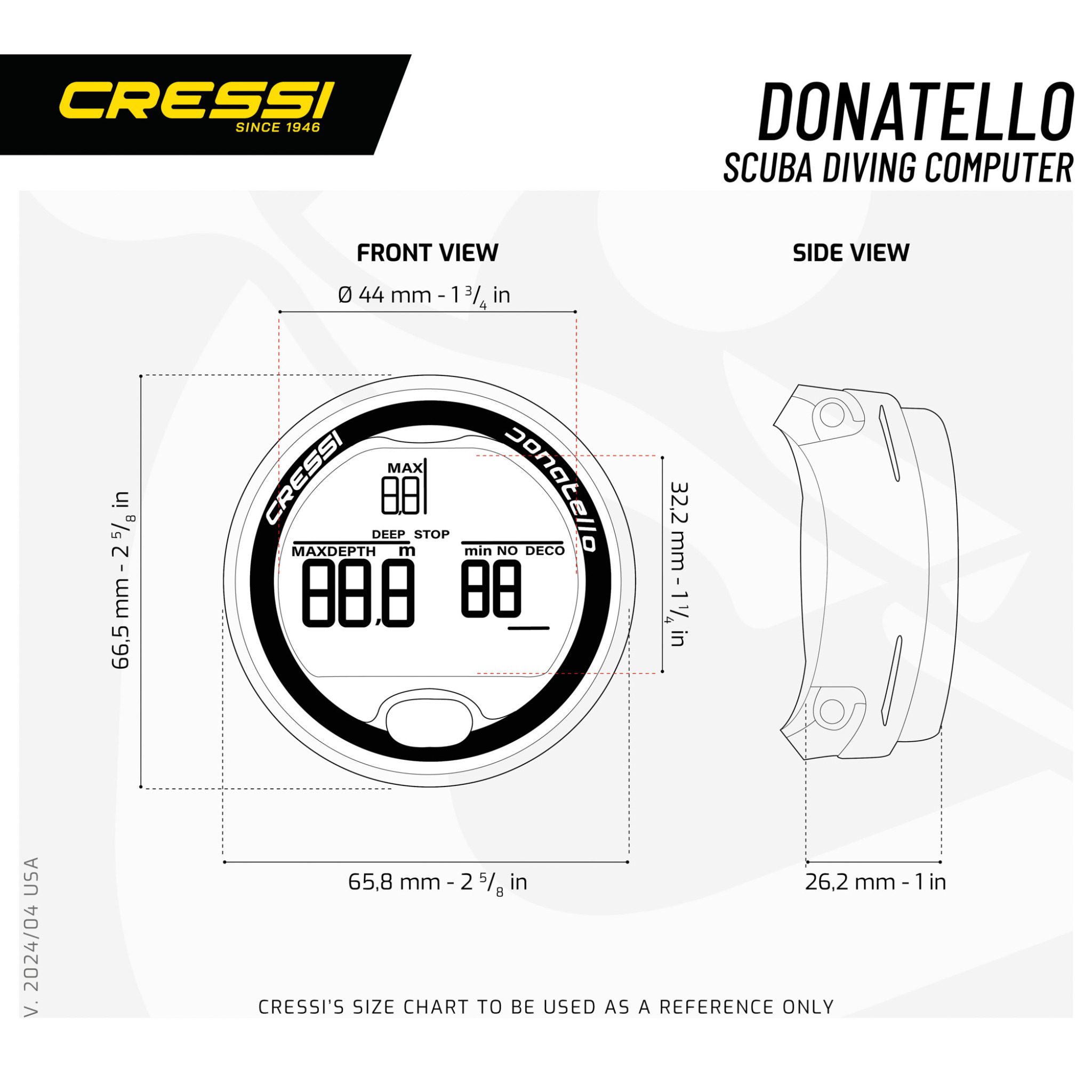
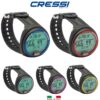




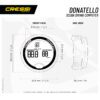

Cressi Donatello Dive Watch Computer
Original price was: $499.00.$449.00Current price is: $449.00. inc. GST

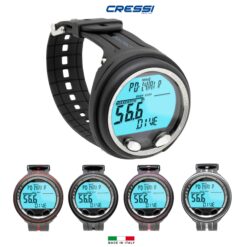
The Cressi Donatello is a wrist dive computer with a large display and single-button operation. Air/Nitrox, Freedive and Gauge functions, backlighting and a user-replaceable battery provide a straightforward computer for a range of diving activities.
SKU:
- Description
- Technical Specs
- Additional information
- Shipping
- Returns & Exchanges
- Click & Collect
- Frequently Asked Questions
Cressi Donatello Dive Computer
The Donatello provides a large numerical display and single-button menu navigation in a wrist computer. Its Air/Nitrox, Freedive and Gauge functions cover different uses, with backlighting and alerts to help present dive information.
- Cressi RGBM algorithm for Air/Nitrox diving.
- Freedive mode with depth, time and surface-interval information.
- Gauge mode without decompression calculations.
- Backlit display.
- Metric or imperial units.
- Dive log and battery indicator.
- User-replaceable battery.
Download interfaces are available separately. Check current software and device compatibility before selecting an interface, and follow the manual for mode switching and any reset function.
More About This Model
High contrast display with extra large numbers
Algorithm for managing uncontrolled ascent
Alarm in case of breach of ascent speed, decompression or PPO2
It is possible to disable the ascent alarms
LOGBOOK up to 50 dives per category
How the Features Help
- Low-light viewing: The backlight helps you read the screen in dim conditions. Familiarise yourself with its activation and timeout so you can use it without searching through menus during the dive.
- Controls: The listed button layout provides access to settings and alternative views. Practise navigation with your normal gloves and exposure equipment before diving.
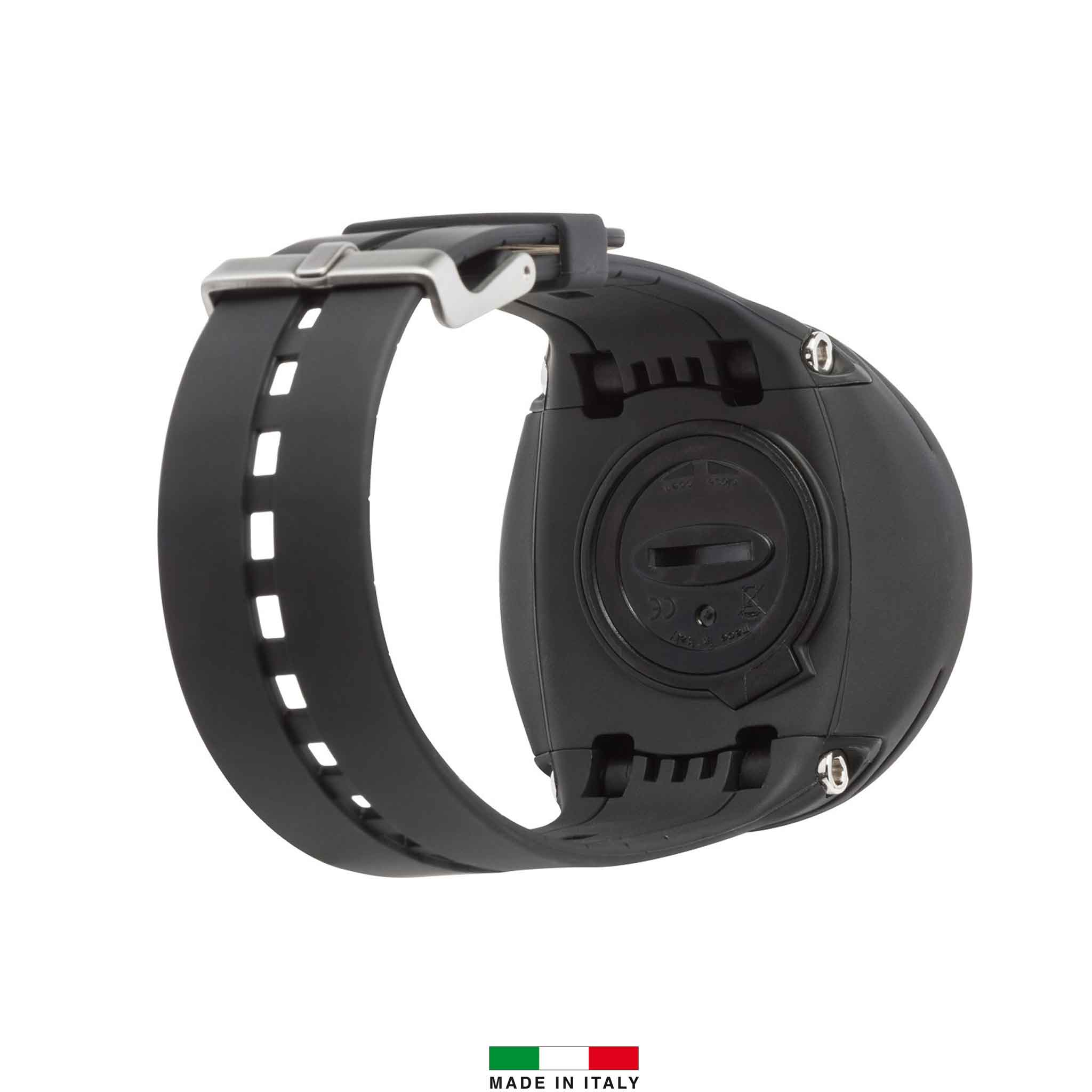
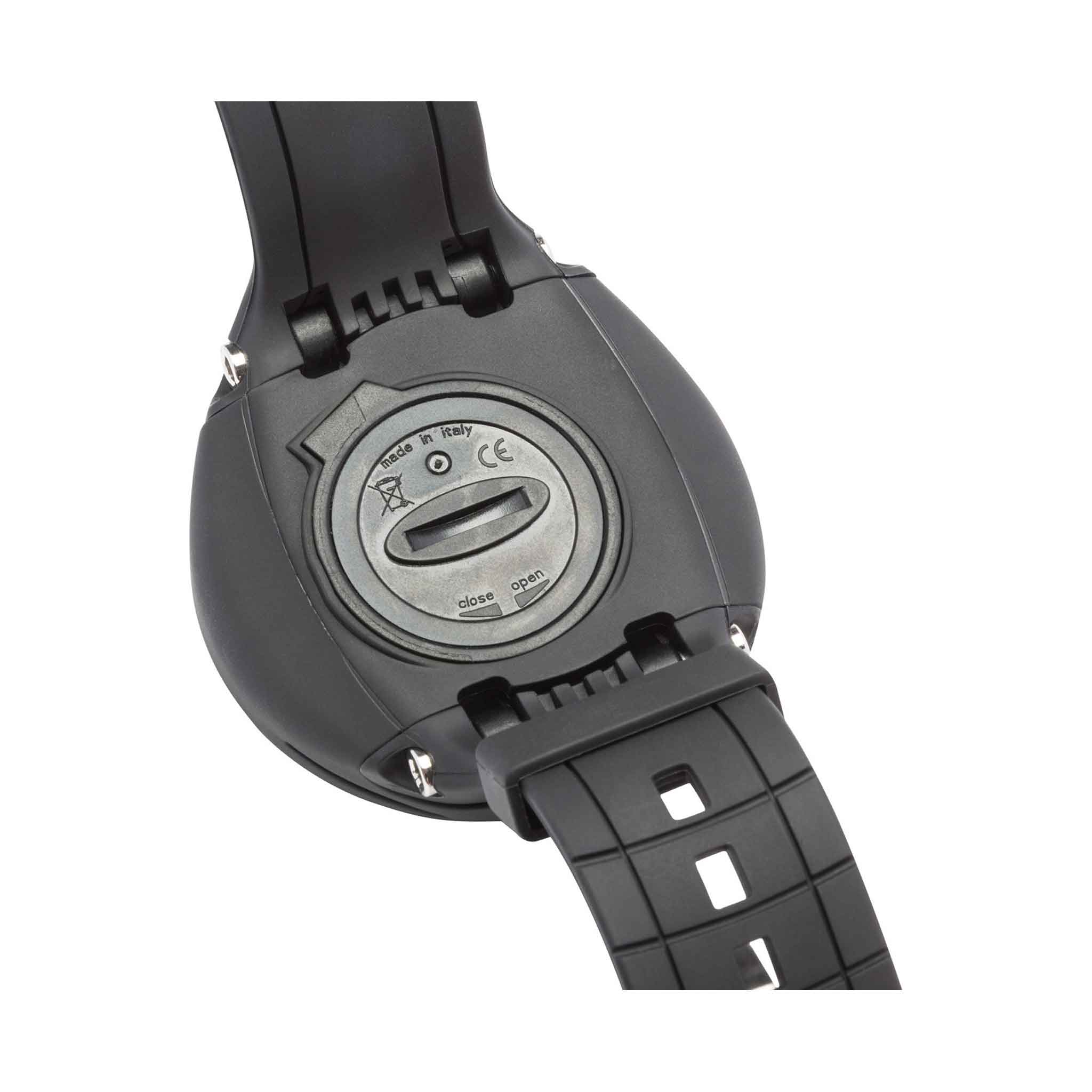
- Replaceable battery: The stated user-replaceable battery can be changed using the model’s prescribed procedure. Battery type, seals, tools and data-retention steps are specific to that computer.
- Freediving records: The applicable freediving mode records breath-hold dive and surface information separately from scuba operation. Configure prompts for your training plan and follow the manual’s restrictions on changing between modes.
Technical Specs
| Model | Cressi Donatello Dive Watch Computer |
|---|---|
| Display | Backlit display. |
| Modes | Freedive mode with depth, time and surface-interval information. |
| Algorithm | Cressi RGBM algorithm for Air/Nitrox diving. |
| Power | Dive log and battery indicator. |
Choosing and Setting Up This Model
Compare the modes, gas capability, display and mounting arrangement with the diving you are trained to do. Check exactly what this listing includes, particularly transmitters, interfaces and charging accessories. Configure the computer using its own manual and confirm gases, alerts, units and battery status before diving. A depth rating describes an instrument limit and does not establish a suitable dive depth.
Gear Care and Maintenance
After every dive, rinse gently in fresh water to remove salt, chlorine and grit. Let residue soften by soaking only as the model’s manual permits, and operate buttons during rinsing only where instructed. Do not direct a high-pressure hose or compressed air at sensor openings, and never probe them with a tool.
Use a soft cloth on the housing and screen. Use only the cleaning product and method approved in this model’s manual; avoid solvents, abrasives, bleach and strong detergents. Let the instrument and strap air dry fully in the shade before packing or charging.
Inspect the strap, attachment points, display and seals before use. Store in a cool, dry place away from direct sunlight, heaters and hot cars, with the screen protected from loose equipment. Follow the manufacturer’s battery-storage and servicing instructions.
Change batteries only using the specified cell, correct replacement seals and the manual’s procedure. Work on a clean, dry instrument, inspect sealing surfaces and follow any required pressure or leak test before diving. A compatible battery kit does not authorise opening a model that is not user-serviceable.
Technical Specs
| Brand | Cressi |
|---|---|
| Main model / configuration | Cressi Donatello |
| Product type | Dive computer |
| Dive modes | Air; Nitrox; Gauge; Free/Apnea |
| Freediving mode | Yes |
| Nitrox / oxygen compatibility | Yes |
| Gas capacity | 1 |
| Battery | CR2430, 3 V |
| Buttons | 1 |
| Computer style | Watch |
| Colour family | Black, Blue, Pink, Red, Silver, Yellow |
| Decompression / dive algorithm | Cressi-Wienke RGBM with uncontrolled-ascent protection |
| Oxygen partial-pressure setting | 1.2–1.6 bar |
| Altitude adjustment | Yes |
| Dive planner | Yes |
| No-fly time | Yes |
| Bluetooth | Via optional external interface |
| Rechargeable | No; user-replaceable battery |
| Battery life | Approximately 3 years at average activity |
| Dive log capacity | Up to 85 hours |
| Lens / screen glass | Ultra-clear polymer |
| Digital compass | No (electronic unit) |
| Oxygen setting range | 21–50% |
| Colours / options | Blue, Yellow, Red, Silver, Pink, Black |
| Bezel material | Heavy-duty polymer |
| Case material | Heavy-duty polymer |
| Depth and temperature display | Yes |
| Temperature log | Yes |
| Ascent-rate indicator | Yes |
| Sampling rate | Scuba/gauge: 5 seconds; freediving: 2 seconds |
| User-replaceable battery | Yes |
| Strap material | TPU rubber |
| Tissue model | 9 tissues; half-times 2.5–480 min |
Additional specifications
| Planning | scrolling of no-decompression limits |
|---|
- High contrast display with extra large numbers
- High-power backlit display
- Let you know when the battery is empty
- DIVE (AIR/NITROX) PROGRAM
- CRESSI RGBM algorithm
- Graphic indicator of CNS toxicity level of oxygen
- Algorithm for managing uncontrolled ascent
- Alarm in case of breach of ascent speed, decompression or PPO2
- Maximum dive depth alarm
- Display of all diving parameters
- Depth
- Temperature
- Depth, dive time, and surface interval alarms
- Recovery time alarm
- GAUGE PROGRAM (without decompression calculator)
- Depth/temperature indicator
- Average depth
- Dive time in minutes and seconds
- Resettable depth stopwatch
- LOGBOOK up to 50 dives per category
- Replaceable protective display screen
Based on Cressi product information.
| Colour | Blue, Yellow, Red, Silver, Pink, Black |
|---|
We dispatch orders five days a week, usually within 1–3 days. Standard mainland Australian shipping is $20. Click & Collect from our Hallam store is free once your order is ready.
- Large or bulky gear: additional freight charges apply on top of standard shipping: large dive bags $30; long freediving fins $15; long spearguns $20. Scuba tank freight is shown at checkout.
- Rural, remote & offshore: rural means anywhere outside metropolitan areas. Carrier availability and additional charges may apply, including for island and territory destinations. Our team will contact you if an extra freight quote is needed.
The available delivery rate for your order is shown at checkout.
We offer a 30-day exchange on most unused products within Australia when they are in saleable condition with their original packaging and accessories. Please contact us with your order number before returning an item. Change-of-mind refunds are not offered; this does not limit your rights for faulty products under Australian Consumer Law.
FREE CLICK & COLLECT
Usually ready same day*
Select local pickup at checkout. We will email you when your order is ready. Please wait for your ready-to-collect confirmation before visiting, then bring your confirmation email and photo ID.
Collect from our Hallam store
Factory 4 / 56–60 Hallam South Rd
Hallam VIC 3803
*For items in stock at our Hallam store during opening hours, subject to order processing. Available-to-order and special-order items take longer. Collection is unavailable while the store is closed.
Can I collect my order from the store?
Yes. Choose free local pickup at checkout and wait for your ready-to-collect email before visiting our Hallam store. Bring your confirmation and photo ID. See Click & Collect details.
How do I choose the right size?
Use the product's size chart where available and compare your measurements with the guide for that brand. Sizing varies between brands and products. If you are unsure, contact our team before ordering and we can help you choose.
How do I check availability?
Select your required options, such as colour and size, to see availability for that variation. If an item is marked “Available to order”, check the estimated dispatch information. Please contact us before ordering if you need gear by a particular date.
When will my order be dispatched?
Orders are usually dispatched within 1–3 days, subject to stock availability. Available-to-order and special-order products may take longer. Delivery time is separate from dispatch time and depends on your location and the carrier. Read our shipping information.
Can I exchange an item if it does not fit?
We offer a 30-day exchange policy on most unused products within Australia, subject to eligibility. Contact us with your order number before returning an item. Read the exchange conditions and next steps.
Can you help me choose the right gear?
Yes. Call 03 9702 3694 during store hours or email [email protected]. Tell us which product you are considering and how you plan to use it.
Similar products
View all Cressi Dive Computers